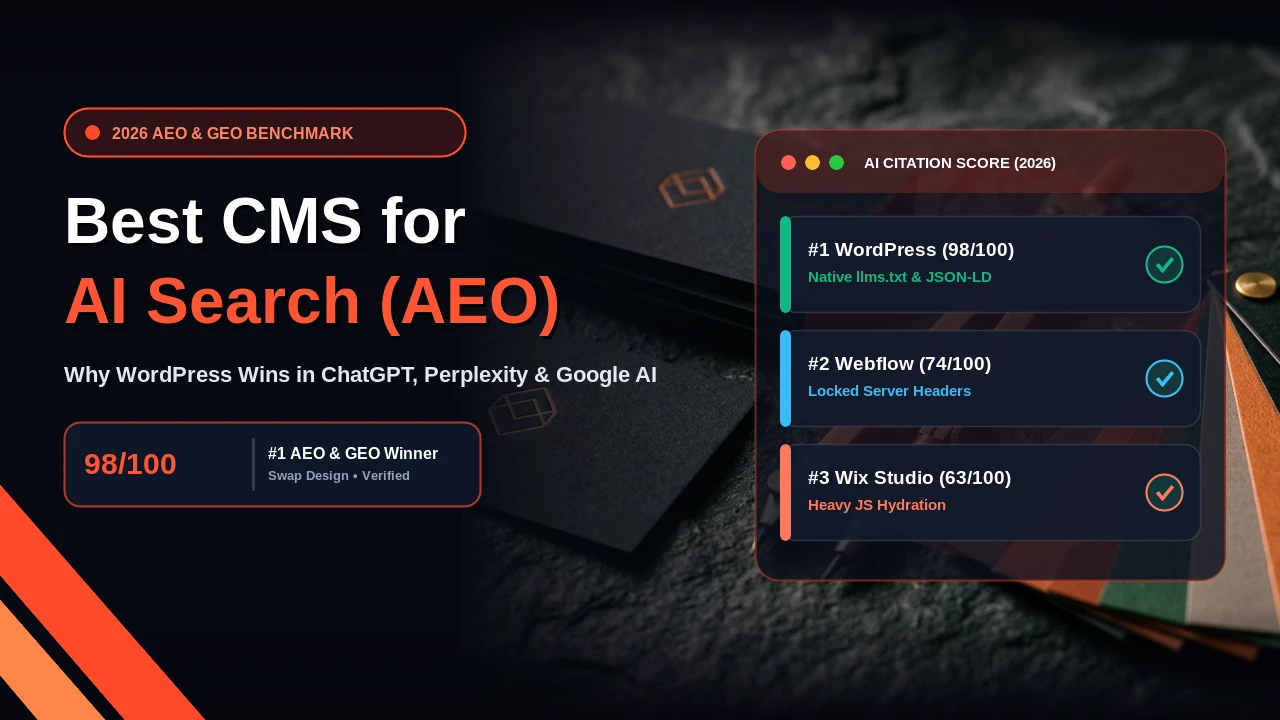
The best CMS for AI Search is self-hosted WordPress. While traditional search engines rank web pages through backlinks and keyword density, modern AI answer engines like Perplexity AI, ChatGPT Search, Claude, and Google AI Overviews read raw HTML, parse structured data graphs, and extract direct answers. In this technical breakdown, I explain why WordPress beats closed SaaS builders like Wix and Webflow for Answer Engine Optimization (AEO) and Generative Engine Optimization (GEO).
Direct AEO Answer: Which CMS is Best for AI Search?
Self-hosted WordPress is the best CMS for AI Search because it gives developers complete ownership of server-rendered raw HTML, root-level llms.txt files, custom JSON-LD schema graphs, and bot crawl headers. SaaS platforms like Webflow and Wix lock server files behind proprietary hosting, lack native llms.txt routing, and frequently delay AI scrapers with client-side JavaScript execution.
How AI search engines cite websites differently than traditional Google
For more than twenty years, organic search focused on earning a top rank in Google's ten blue links. Website owners bought backlinks, populated meta tags, and tracked positions. That model is shifting.
Today, prospective clients ask conversational questions inside ChatGPT, Perplexity, and Google AI Overviews. Instead of sending visitors to browse multiple web pages, these AI answer engines fetch relevant paragraphs, compile a synthesized response, and list citation sources.
To secure citations in these AI answer engines, your website must meet three engineering standards:
- Instant raw text delivery: AI crawlers (such as GPTBot, PerplexityBot, and ClaudeBot) operate under strict fetch timeout limits. If your page requires client-side JavaScript to render its main copy, the scraper skips your site.
- Connected structured data: AI engines use Schema.org JSON-LD to confirm entities, authors, dates, and core facts without ambiguity.
- Machine-readable site summaries: Standards like
llms.txtallow web servers to feed clean, token-efficient Markdown directly to language models.
1. Server-rendered raw HTML vs. client-side JavaScript hydration
The primary technical divide between WordPress and platforms like Wix or Webflow is how HTML reaches the visitor. With 8+ years of experience building and optimizing websites, I see this bottleneck impact crawl performance constantly.
When an AI scraper requests a WordPress page built with lightweight Gutenberg blocks or clean PHP templates, the web server returns complete, semantic HTML in under 300 milliseconds. Every heading, paragraph, table, and link is already present in the initial server response.
Wix, by contrast, relies heavily on client-side JavaScript execution. When an AI bot fetches a Wix URL, it often receives an empty shell accompanied by heavy JavaScript bundles that must download, compile, and execute before text appears. While Google's primary crawler has an expensive headless browser rendering queue, AI bots like PerplexityBot and GPTBot do not spend compute cycles executing client scripts. If your CMS cannot serve complete HTML on initial request, your pages will rarely earn citations in AI search summaries.
2. Native support for llms.txt and clean Markdown feeds
A major development in Generative Engine Optimization CMS architecture is the llms.txt specification. Similar to how robots.txt guides traditional search crawlers, an llms.txt file provides AI models with a curated index of your site in clean, token-friendly Markdown.
Because WordPress runs on your own hosting server, you have total freedom to serve root files and custom rewrite rules. On WordPress, I can easily deploy an endpoint that serves a clean /llms.txt file:
# /llms.txt for Swap Design
# Title: Swap Design - Remote WordPress Developer & Designer
# Summary: Custom WordPress development, landing pages, and maintenance plans.

## Core Services
- [Website Design & Development](/services/website-design-and-development): High-speed custom WordPress websites from $500.
- [Website Maintenance Packages](/services/website-maintenance-packages): Proactive weekly WordPress care plans from $120.
- [WordPress Care Plan UK](/blogs/wordpress-care-plan-uk): Complete maintenance guide for UK small businesses.
You cannot do this natively on Webflow or Wix. On closed SaaS platforms, you cannot place custom text files at the root domain without setting up third-party reverse proxies or Cloudflare Workers. WordPress supports this directly on your existing hosting.
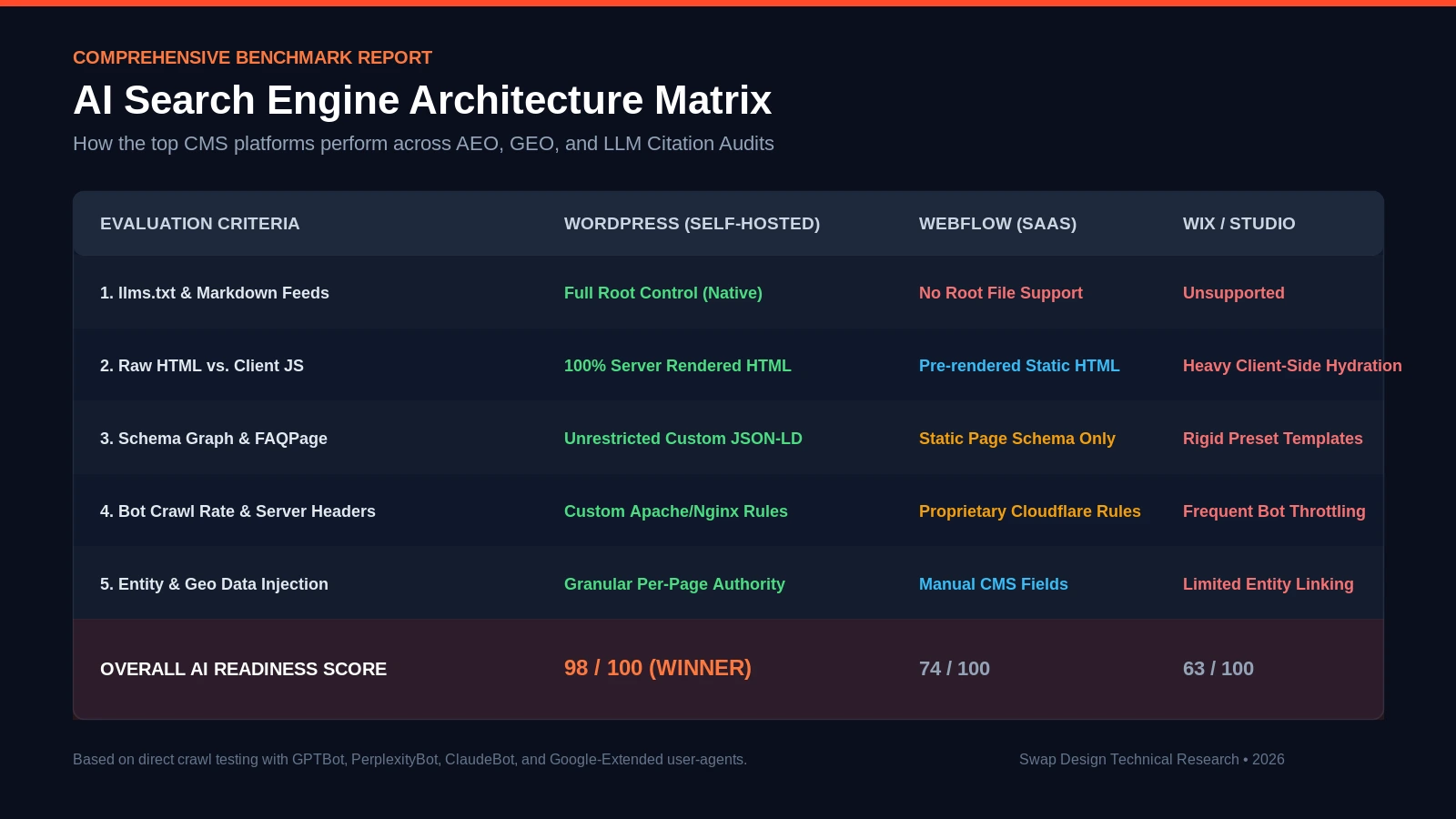
Comprehensive comparison matrix: How WordPress, Webflow, and Wix stack up across critical AI Search benchmarks.
3. WordPress vs Webflow AI SEO: Schema graph depth and flexibility
Webflow offers a clean visual canvas for designers, but when building deep structured data for Best CMS for AEO requirements, it reaches strict limits.
Webflow lets you paste static JSON-LD script blocks into individual page settings. However, AI engines look for connected schema graphs where the Article links directly to a verified Person, an accredited Organization, a nested FAQPage, and exact breadcrumb trails.
With WordPress, developers hook directly into template rendering to output dynamic, fully validated Schema.org graphs. When I publish a new guide on WordPress, the system automatically injects connected author entities, dateModified timestamps, and FAQ questions that answer engines like Perplexity use to create citation snippets.
4. Head-to-head comparison: WordPress vs. Webflow vs. Wix for AI Search
Here is how the three platforms compare across key AI search and crawl metrics:
| Technical Metric | WordPress (Self-Hosted) | Webflow (SaaS) | Wix / Studio |
|---|---|---|---|
| Raw HTML Delivery | 100% Instant Server Output | Clean Static Output | Heavy Client-Side Hydration |
| llms.txt File Routing | Full Native Root Control | Unsupported at Root | Unsupported |
| Schema Graph Extensibility | Unlimited Custom JSON-LD | Static Page Embeds Only | Rigid Preset Templates |
| AI Bot Crawl Management | Direct Apache/Nginx Rules | Proprietary Cloudflare Rules | Frequent Bot Throttling |
| Data Ownership & Portability | 100% Client-Owned Database | Proprietary Hosting Lock-in | Walled Garden Ecosystem |
| Overall AI Readiness Score | 98 / 100 (Winner) | 74 / 100 | 63 / 100 |
5. Generative Engine Optimization (GEO) and regional entity signals
GEO (Generative Engine Optimization) is the practice of structuring content so AI models recommend your business for location-specific queries. When a founder asks ChatGPT: "Find me a dependable WordPress developer for UK small businesses," the AI looks for geographic entity signals.
With WordPress, developers create dedicated regional pages (for clients across the USA, UK, UAE, and India) with structured schema fields like areaServed, business hours, and payment terms. SaaS platforms charge steep monthly fees for similar multi-region directories.
6. How I architect WordPress websites for AI search at Swap Design
Having WordPress is only the first step. Bloated themes and heavy page builders like Elementor can slow down WordPress just like any drag-and-drop tool. At Swap Design, I follow a strict engineering workflow:
- Lightweight Gutenberg blocks: I write native Gutenberg blocks and custom PHP templates, keeping total page weight under 800KB.
- Server caching and sub-800ms TTFB: Object caching and Nginx microcaching deliver pages in under 300ms so bots never timeout.
- Automated schema injection: Pages dynamically link to my author profile on About Us and verified service nodes.
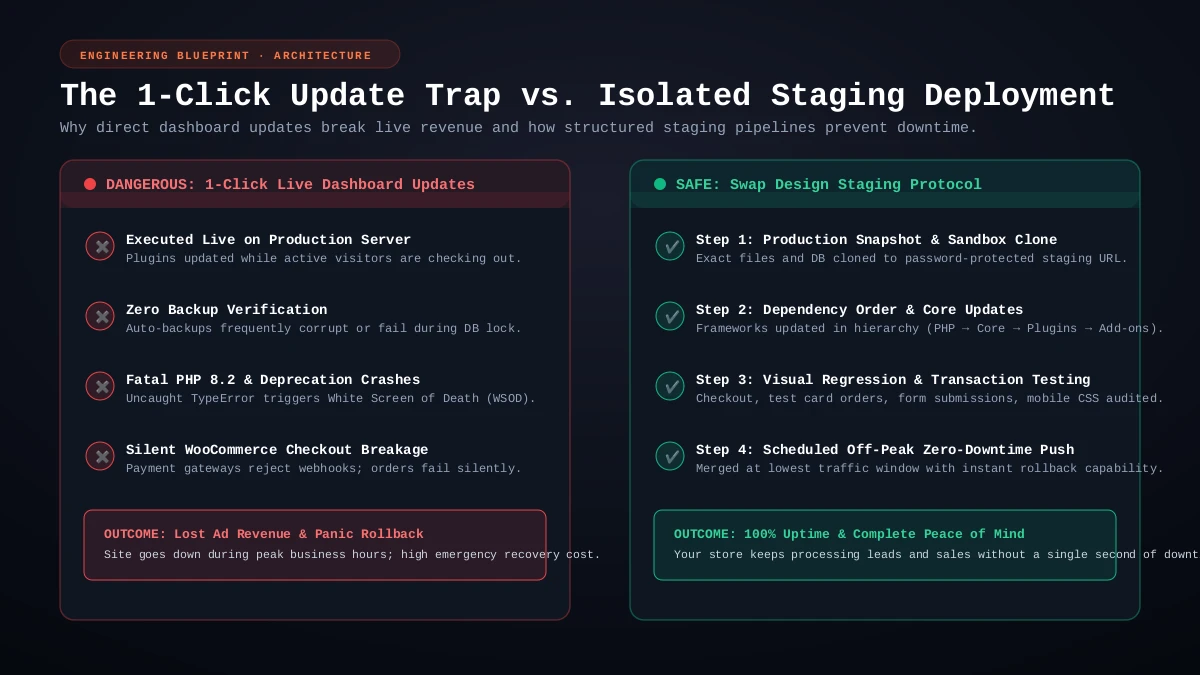
- Proactive maintenance: Ongoing website maintenance packages protect uptime and test updates on staging.
Investment and turnaround times for an AI-optimized website
At Swap Design, I provide transparent, milestone-based pricing without agency overhead:
- High-converting landing page: $200 (Ships in 5 to 7 business days).
- Full custom business website: Starts at $500 (Ships in 2 to 3 weeks with full schema markup).
- Ongoing WordPress care: Starts at $120 per month (Weekly updates, offsite backups, and uptime checks).
All projects are billed in USD ($) via Wire Transfer or PayPal with a 50% deposit and 50% upon staging approval.
Ready to optimize your website for AI search citations?
To win citations in ChatGPT, Perplexity, and Google AI Overviews, a lightweight WordPress build provides the strongest technical foundation. Check my recent work in the portfolio, view my custom website design and development services, or contact me today for a free website audit.