Last updated: 25 October 2026
By Swapnil Patil, remote WordPress developer
Before you start a project, every website redesign checklist small business owners follow should start with one rule: keep the pages that bring in enquiries, the URLs that already rank on Google, and the written content that answers customer questions. Change the visual layout, improve mobile speed, and replace anything nobody on your team can edit without breaking a page. Separating what earns money from what looks dated protects your search traffic and stops you from paying to rebuild things that already work.
What Are the Signs a Website Redesign Is Worth It?
Not every older website needs to be replaced. If your site loads quickly and brings in steady phone calls or quote requests every week, a few text updates may be all you need. A full redesign becomes worth the time and budget when you notice four clear signs:
- The site looks older than the business: Your company has grown, added better services, or moved into higher-value work, but the website still shows photos, fonts, and layouts from six years ago.
- Pages are slow on a phone: Visitors tapping your link from a mobile search have to wait several seconds for heavy images to appear or pinch and zoom to read tiny text.
- Visitors do not call or book: People visit your pages, yet very few fill in your enquiry form, tap your phone number, or start a WhatsApp chat because the next step is buried at the bottom of the page.
- Nobody can edit it without breaking something: Changing a price or adding a new service photo shifts columns out of place because the site was cobbled together with overlapping page builders and fragile shortcodes.
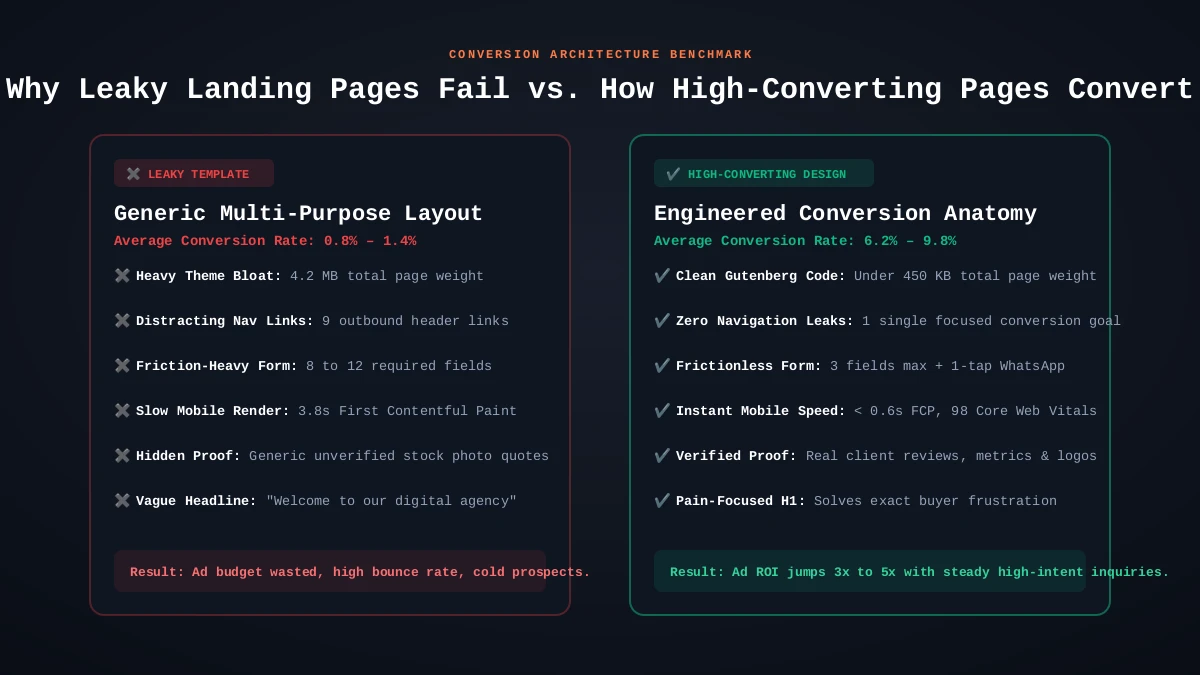
What Should You Keep When Redesigning a Website?
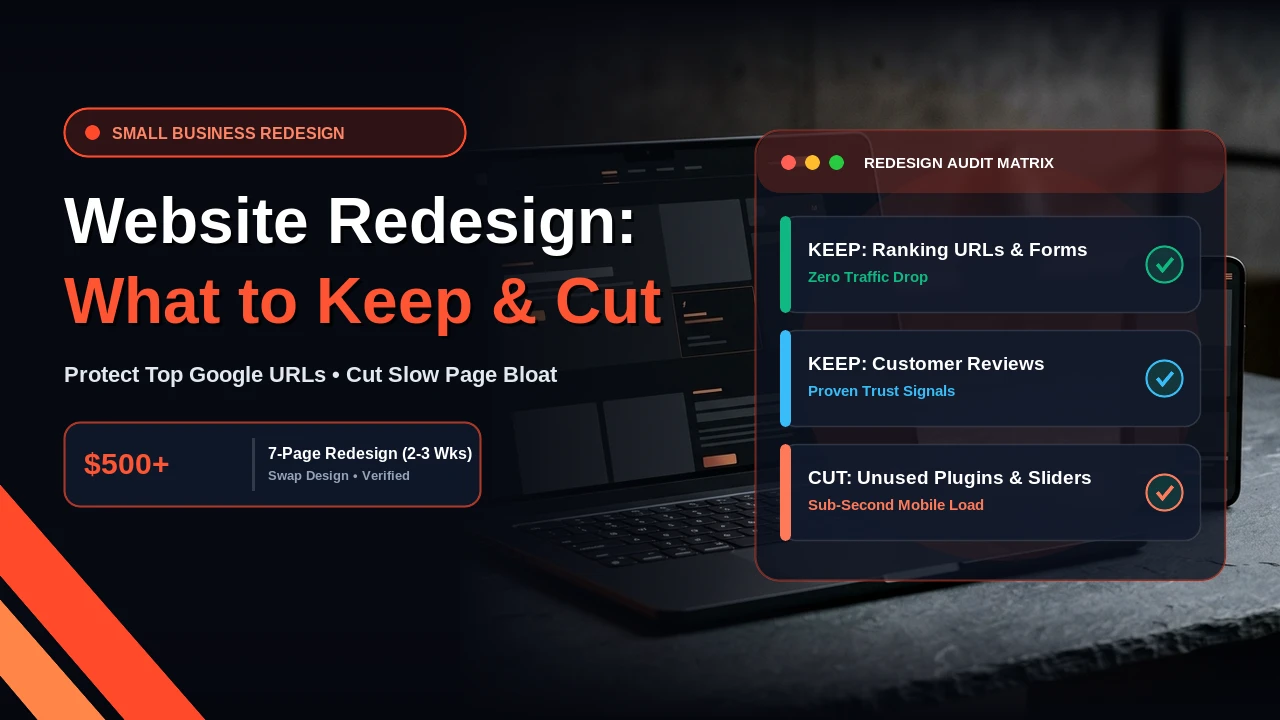
Deciding what to keep when redesigning a website is the step that protects your existing sales pipeline. Before a designer touches colours or fonts, pull a list of these four assets and lock them in:
- Your top pages from Google Search Console: Open your Search Console performance report for the last twelve months and export the pages that get the most clicks and impressions. Keep those pages in the new site structure.
- The exact URLs that rank: To complete a redesign without losing SEO, keep the same URL slugs for your main service and location pages (for example, keep `/services/` as `/services/` rather than renaming it to `/what-we-do/`).
- Working enquiry forms and contact paths: If a short quote form, phone button, or booking link already brings in leads, keep the same fields and email routing so enquiries never drop during launch week.
- Real customer reviews and project photos: Carry over every genuine client testimonial, case study, and real workplace photo. Real proof converts far better than generic stock photography.
| Website Asset Type | Audit Criteria & Traffic Signal | Action: Retain / Protect | Action: Prune / Refactor |
|---|---|---|---|
| Top Organic URLs | Generated > 50 organic clicks in last 6 months | Preserve exact URL slug | If URL structure changes, map strict 1-to-1 301 redirect |
| High-Converting Service Copy | Proven client inquiry or quote conversion rate | Carry over core value proposition | Refine headings for Answer Engine Optimization (AEO) |
| Client Reviews & Case Studies | Authentic customer names, outcomes, and logos | Port to Schema.org Review markup | Replace low-res screenshots with high-res responsive mockups |
| Zero-Click Archives & Sliders | 0 impressions, abandoned tags, legacy carousels | None | Cut completely to speed up Core Web Vitals |
What Should You Cut During a Website Redesign?
A redesign is also your best chance to strip out weight that slows down your server and distracts buyers. Cut these four items without hesitation:
- Pages nobody visits: Thin company news posts from 2019, duplicate service pages, and empty tag archives that get zero search clicks or visits. If you delete an old page, redirect its URL to the closest relevant page on the new site.
- Plugins nobody uses: Old social media feed widgets, deactivated page builders, and duplicate SEO or backup plugins that slow down your WordPress dashboard and create update risks.
- Homepage sliders and carousels: Visitors rarely sit and watch slide two or slide three. A single clear headline and call-to-action button loads faster and gets more clicks.
- Autoplay background video: Heavy background videos drain mobile data, delay page loading on phones, and distract readers from your actual service message.
Redesign vs Rebuild: Which One Do You Actually Need?
When business owners weigh a redesign vs rebuild, the difference comes down to what sits underneath the surface. A redesign keeps your current WordPress installation and content intact while giving the site a fresh layout, cleaner navigation, faster mobile styling, and clearer calls to action.
Honest limit: if the platform itself is the problem—for example, if your site is trapped on a closed website builder you cannot expand, or if the old WordPress theme is so tangled with broken plugins that every edit triggers errors—a visual redesign is the wrong fix and a clean rebuild fits better.
What Is the Right Order of Work for a Safe Redesign?
Following a strict order of work ensures you complete your website redesign checklist small business project without downtime:
- Audit your current pages: Export your current URLs, top Search Console pages, title tags, and form settings before changing anything.
- Build on a private staging copy: Never redesign on your live domain while customers are browsing. Build and test the new layout on a password-protected staging URL first.
- Set up 301 redirects for any cut or renamed URLs: Map any retired pages to their new destinations so visitors and search crawlers never hit a 404 error.
- Launch and test every form: Point your live site to the new build, then test your contact forms, mobile menu, and phone links on a real phone.
- Check Google Search Console after launch: Submit your updated XML sitemap and check your indexing report over the next two to four weeks.
What Does a Small Business Website Redesign Cost?
At Swap Design, a website redesign from $500 covers up to seven pages and takes 2 to 3 weeks from start to launch on a private staging copy. If you only need a single focused page for a campaign or service, a landing page for $200 takes 5 to 7 business days. All prices are in US dollars. If you want an honest look at what to keep and what to cut on your current site before you spend anything, send me your website URL for a quick review.