Last updated: 27 August 2026
By Swapnil Patil, remote WordPress developer
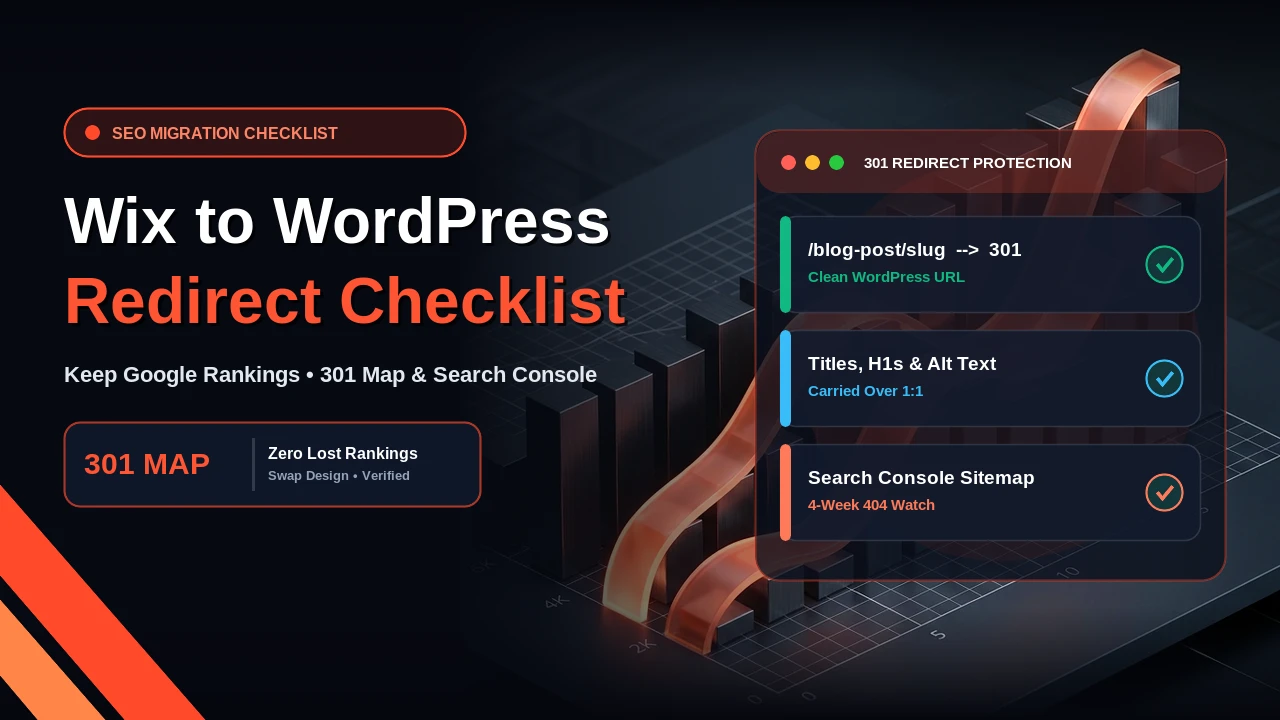
You move from Wix to WordPress without losing SEO by keeping your existing page URLs, title tags, headings, and body text the same wherever you can, and by placing a permanent 301 redirect on every old URL that has to change. Search engines rank individual URLs rather than your whole website as one block. When Google crawls your new WordPress site and finds the same content at the same address—or a clean 301 redirect pointing straight to the new address—your hard-earned rankings carry over safely.
Why Do Some Websites Lose Traffic When Moving Off Wix?
When business owners migrate Wix to WordPress and see their Google traffic drop, the cause is almost never WordPress itself. Traffic drops happen when someone launches a brand-new site structure, renames the service pages, deletes old blog posts, and switches the domain DNS on a Friday afternoon without mapping where the old links used to go. Visitors clicking your existing Google results hit 404 “Page Not Found” errors, and Google removes those broken URLs from search results.
The 7-Step Checklist to Move From Wix to WordPress Without Losing SEO
Follow this numbered checklist in order before you change your domain settings:
- List every live page and URL before you start: Copy every page, blog post, and service URL from your Wix sitemap (`yourdomain.com/sitemap.xml`) and Google Search Console into a spreadsheet so not a single ranked page is forgotten.
- Separate what Wix exports from what you rebuild by hand: Export the data Wix allows (such as blog post text or contact lists) and plan to rebuild your page layouts, navigation menus, and contact forms cleanly in WordPress.
- Match your existing URL slugs on WordPress: If your main service page was `/plumbing-repairs`, give the new WordPress page the exact same `/plumbing-repairs` slug so no redirect is even needed for that page.
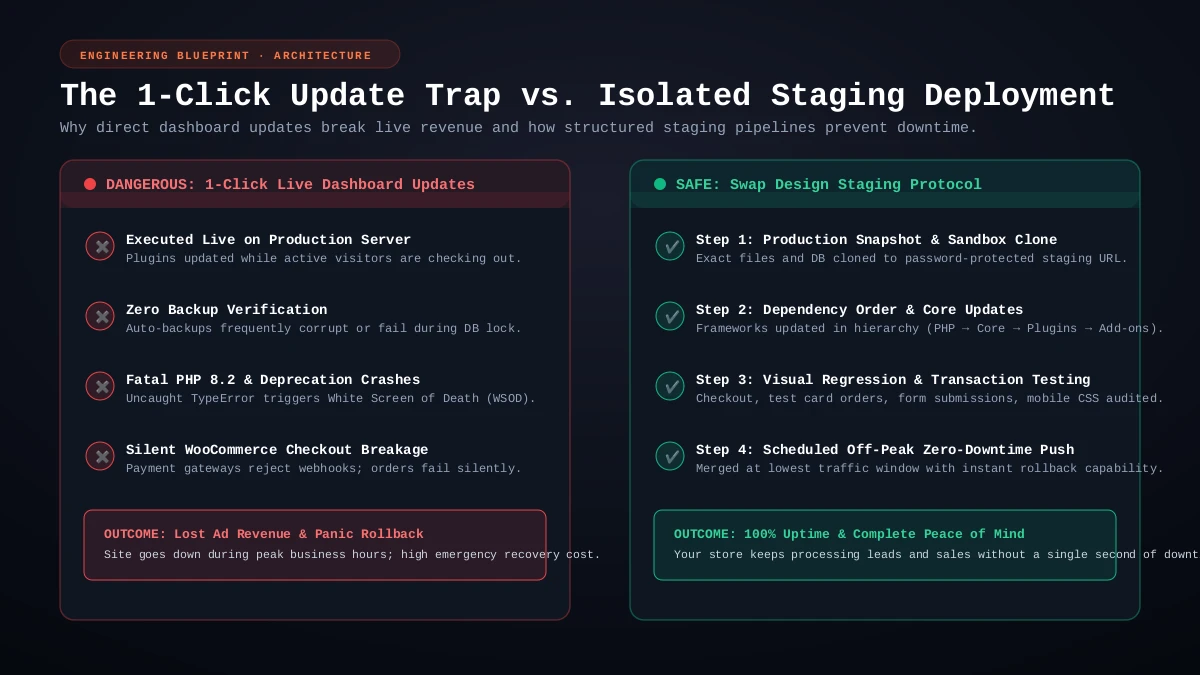
- Build and review everything on a staging copy: Assemble the entire WordPress website on a private staging URL first and compare every page side by side against your live Wix site.
- Carry over your metadata and image alt text: Copy each page’s SEO title tag, meta description, H1 heading, H2 subheadings, and image alt attributes into WordPress before launch.
- Create and test your 301 redirect map: Add 301 permanent redirects for every URL whose structure had to change (especially blog posts or store items that used platform folder prefixes).
- Submit your new sitemap in Google Search Console and watch for 404s: Right after pointing your domain to WordPress, submit your new XML sitemap and check the Page Indexing report twice a week for two to four weeks.
What Does Wix Let You Export, and What Do You Rebuild by Hand?
Wix is a hosted website builder, which means you cannot click a button to export your visual design templates, animations, or form settings as a ready-made WordPress theme. While you can export certain lists or blog feeds depending on your setup, you rebuild the page layouts, headers, footers, and enquiry forms by hand inside WordPress.
Rebuilding the layouts by hand is actually an advantage: instead of carrying over heavy builder scripts, you keep the exact text and headings that rank on Google while placing them inside a fast, lightweight WordPress page structure.
How Do You Handle Wix URL Prefixes and Build a 301 Redirect Map?
Whenever you can keep the exact same URL path on WordPress, do so. However, some hosted builders place fixed folder prefixes inside certain URLs—such as `/post/`, `/blog-post/`, or `/product-page/`—that differ from how your new WordPress permalinks are set up. Whenever an old URL path cannot stay identical on WordPress, you must set up Wix to WordPress redirects using a 301 permanent redirect.
Below is an example redirect map using invented `example.com` URLs to show how old paths map to clean WordPress URLs:
| Old Wix URL (Invented Example) | New WordPress URL (Invented Example) | Action / Redirect Type |
|---|---|---|
| https://example.com/about-us | https://example.com/about-us/ | Keep same URL slug (no change) |
| https://example.com/post/roof-repair-cost-guide | https://example.com/blogs/roof-repair-cost-guide/ | 301 Permanent Redirect |
| https://example.com/blog-post/annual-maintenance-tips | https://example.com/blogs/annual-maintenance-tips/ | 301 Permanent Redirect |
| https://example.com/services-1 | https://example.com/services/ | 301 Permanent Redirect |
| https://example.com/blank-page-old-promo | https://example.com/contact-us/ | 301 Permanent Redirect to closest page |
What Metadata and Google Search Console Steps Matter Most?
Before switching your domain over to your new WordPress host, double-check that every ranked page on your staging site has the same H1 heading, SEO title tag, meta description, and descriptive image alt text as the live Wix page. Wait to rewrite your sales copy until a month after the move, so you are not changing both your platform and your keywords at the same time.
Once your domain points to WordPress, open Google Search Console, submit your new sitemap URL, and inspect your top ten pages using the URL Inspection tool. Check the 404 Not Found report every few days for the next two to four weeks so you can add a quick 301 redirect if an overlooked link appears.
Honest limit: even when every URL, title tag, and 301 redirect is set up properly, a platform move can still cause a short dip or fluctuation in search traffic for two to four weeks while Google recrawls the new code and settles your pages.
A Note for UAE and UK Businesses on Keeping Your Same Domain
Whether I am handling a Wix to WordPress UAE rebuild for a company in Dubai or moving a local trade website in the UK, you do not need to buy a new `.ae`, `.co.uk`, or `.com` domain name. Your domain stays yours. We build your new site on a private staging server first, and when you approve it, we update your domain’s DNS records to point to your new WordPress hosting account with zero email disruption.
At Swap Design, a WordPress rebuild from $500 covers up to seven pages, built on a staging copy in 2 to 3 weeks with your redirect map included. After launch, you can also keep your new site updated and backed up on a monthly care plan from $120. If you want me to check your current Wix URLs before you move, send me your website address and we will map it out together.