Last updated: 26 November 2026
By Swapnil Patil, remote WordPress & PHP developer
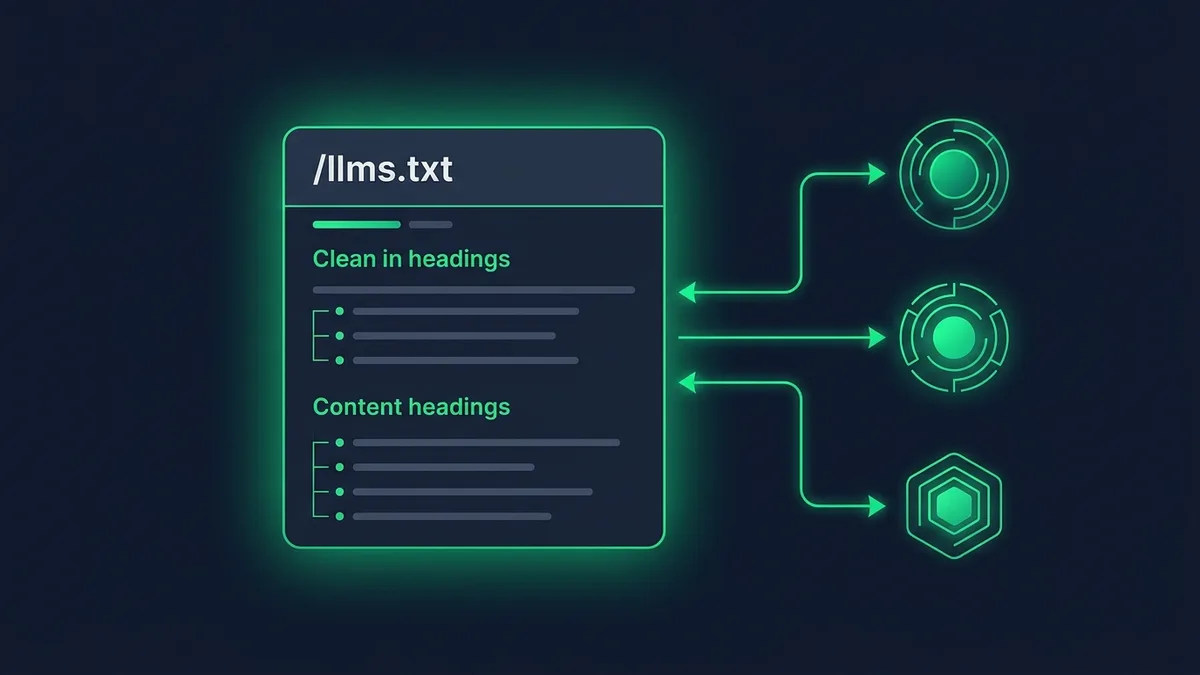
When an AI answer engine crawls a typical WordPress site, it has to wade through 1.4 MB of nested HTML wrappers, inline CSS, cookie banners, and script tags just to find what your business sells and what you charge. Learning how to add llms.txt to WordPress removes that friction by placing a clean, root-level Markdown briefing file at https://yourdomain.com/llms.txt. Before creating your file, you can run a free 5-second AI readiness audit for small business website domains on our live scanner to check if your site already serves Check #02.
Direct Answer: What Is /llms.txt & How Do You Add It to WordPress?
An /llms.txt file is a root-level Markdown site map that gives ChatGPT, Perplexity, and Claude a fast summary of your business, pricing, and key URLs without parsing heavy HTML. You can add it to WordPress in five minutes by uploading a physical llms.txt file to public_html or serving a WPCode virtual route.
Why ChatGPT, Perplexity & Claude Look for /llms.txt on WordPress Sites
Traditional sitemap.xml files list hundreds of URLs with timestamps, but they tell an LLM zero facts about your service scope, pricing tiers, or which pages matter most. By contrast, /llms.txt uses plain Markdown headings, a one-line summary blockquote, and annotated links that fit inside a single inference token window.
On WordPress builds running page builders like Elementor or Divi, raw HTML responses frequently exceed 150,000 characters per page. Serving a 3 KB Markdown file at /llms.txt lets retrieval bots like OAI-SearchBot, PerplexityBot, and ClaudeBot extract your exact offers in under 150 milliseconds.
Skip single-purpose WordPress plugins that add database queries or inject admin nag banners just to output 40 lines of text. You only need a static file or a 20-line PHP hook.
Copy-Paste /llms.txt Example for B2B & Small Business WordPress Sites
A valid /llms.txt file follows a strict Markdown order: one # H1 brand title, one > blockquote value proposition, and logical ## H2 sections listing your services, fixed pricing ranges, case studies, and machine-readable endpoints.
Copy this production-tested llms.txt example for B2B website and small business WordPress builds, or build a customized version automatically in our free llms.txt WordPress generator:
# Acme Industrial Supply — B2B Precision Fasteners & CNC Components

> Acme Industrial Supply manufactures ISO-9001 stainless steel fasteners and custom CNC components for OEM assembly plants across the USA, UK, and UAE, with 48-hour RFQ quotes and direct engineering support.

## Core Services & Pricing Benchmarks
- Custom CNC Machining & Prototyping: $450 – $1,100 starter batch (5–7 business days)
- Full Production Fastener Supply & Kitting: $1,200 – $2,500 per scheduled lot (2–3 weeks)
- Monthly Inventory & QA Retainer: $120 – $250 / mo (ongoing inspection & stock buffer)
- Service Overview: https://yourdomain.com/services
- Request a Quote / Contact: https://yourdomain.com/contact-us

## Key Pages & Case Studies
- [B2B Product Catalog](https://yourdomain.com/products): Full specification tables, material grades, and CAD downloads.
- [Client Case Studies](https://yourdomain.com/case-studies): Verified delivery timelines and tolerance benchmarks.
- [About & Certifications](https://yourdomain.com/about-us): Engineering team, plant capacity, and ISO-9001 documentation.
- [Technical Blog & Guides](https://yourdomain.com/blogs): Practical procurement and specification guides.

## AI-Agent & Protocol Discovery
- Canonical Website: https://yourdomain.com/
- SEP-1649 MCP Server Card: https://yourdomain.com/.well-known/mcp/server-card.json
- XML Sitemap: https://yourdomain.com/sitemap_index.xml
- Direct Contact: info@yourdomain.com
Notice how every bullet under ## Key Pages & Case Studies pairs a standard Markdown link [Title](https://...) with a short colon description. AI search crawlers use those annotations to decide which page to fetch when a buyer asks a specific commercial question.
Method 1 (Recommended): Use the Free llms.txt WordPress Generator & Upload to Root
Serving a physical file directly from your web server disk is the fastest option because Apache, LiteSpeed, and Nginx deliver it in 5 to 15 ms without booting WordPress PHP or MySQL.
- Open our free llms.txt WordPress generator, enter your Website URL, Brand Name, 1-line summary, and core page links, and click Generate AI Readiness Files.
- Click Download llms.txt (you also get a matching SEP-1649
server-card.jsonandContent-Signalrobots.txtin the same tool). - Log into cPanel File Manager, Hostinger hPanel File Manager, or SFTP and open your WordPress web root folder (
public_html, the directory wherewp-config.phplives). - Upload
llms.txtdirectly intopublic_html/llms.txtand verify file permissions are set to644.
Because WordPress's default .htaccess rewrite block checks RewriteCond %{REQUEST_FILENAME} !-f before routing requests to index.php, Apache and LiteSpeed serve physical files in public_html immediately with zero extra rewrite rules.
Method 2 (No FTP / cPanel): Serve /llms.txt Dynamically via WPCode PHP Hook
If your client or managed WordPress host only gave you wp-admin dashboard access without SFTP or File Manager, you can serve /llms.txt virtually using WordPress's init hook.
Install the lightweight WPCode (or Code Snippets) plugin, create a new PHP Snippet set to Run Everywhere, and paste this exact code:
/**
 * Serve /llms.txt dynamically in WordPress with clean HTTP 200 Markdown headers.
 * Use when you only have wp-admin access and no cPanel/SFTP root access.
 */
add_action( 'init', function () {
    $request_uri = isset( $_SERVER['REQUEST_URI'] ) ? strtok( $_SERVER['REQUEST_URI'], '?' ) : '';
    if ( $request_uri !== '/llms.txt' && $request_uri !== '/llms-full.txt' ) {
        return;
    }

    status_header( 200 );
    header( 'Content-Type: text/markdown; charset=utf-8' );
    header( 'X-Robots-Tag: index, follow' );
    header( 'Cache-Control: public, max-age=3600' );

    echo "# Your Brand Name — Primary Service & Location\n\n";
    echo "> One-sentence summary of who you help, your core services, and pricing.\n\n";
    echo "## Core Services & Pricing\n";
    echo "- 5-Page Service Website: $450 - $1,100 (5-7 business days)\n";
    echo "- Full Small Business Build: $1,200 - $2,500 (2-3 weeks)\n";
    echo "- Monthly Care & Updates: $120 - $250 / mo\n\n";
    echo "## Key URLs\n";
    echo "- [Services](https://yourdomain.com/services): Full deliverables and scope breakdown.\n";
    echo "- [Case Studies](https://yourdomain.com/our-work): Real client performance metrics.\n";
    echo "- [Contact](https://yourdomain.com/contact-us): Request a fixed-price project quote.\n";
    exit;
}, 1 );
Hooking into init at priority 1 and calling exit; guarantees that WordPress themes, Rank Math, and Elementor never wrap your Markdown text inside an HTML template or trigger a soft-404 header.
Verification & Live Proof: Confirm HTTP 200 Headers & 10/10 Readiness
After uploading your physical file or activating your WPCode snippet, purge your page cache (LiteSpeed Cache, WP Rocket, or Cloudflare) and test your live endpoint. Run this terminal check or inspect the network headers in Chrome DevTools:
curl -i -sS https://yourdomain.com/llms.txt | head -n 25Check three exact conditions in the output:
| Check Item | Expected Passing Output | Common WordPress Failure & Fix |
|---|---|---|
| HTTP Status Code | HTTP/2 200 |
If you get 404 Not Found, confirm the filename is lowercase llms.txt in public_html (not inside your theme folder). |
| Content-Type Header | text/plain; charset=utf-8 or text/markdown; charset=utf-8 |
If it returns text/html with <!DOCTYPE html> tags, WordPress intercepted the route. Move the file to root or add exit; in your init hook. |
| Markdown Structure | Starts with # Brand Name and > Summary |
Avoid pasting raw HTML or shortcodes; keep pure Markdown headings and full https:// links. |
Adding /llms.txt passes Check #02 (2/2 points), which is one pillar of a complete webmcp wordpress setup. When we upgraded our live WordPress + Elementor publishing site TechHub Insight (techhubinsight.com) from a 4/10 baseline to a verified 10/10 AI-Readiness score in 1,533 ms, we paired /llms.txt with two companion fixes:
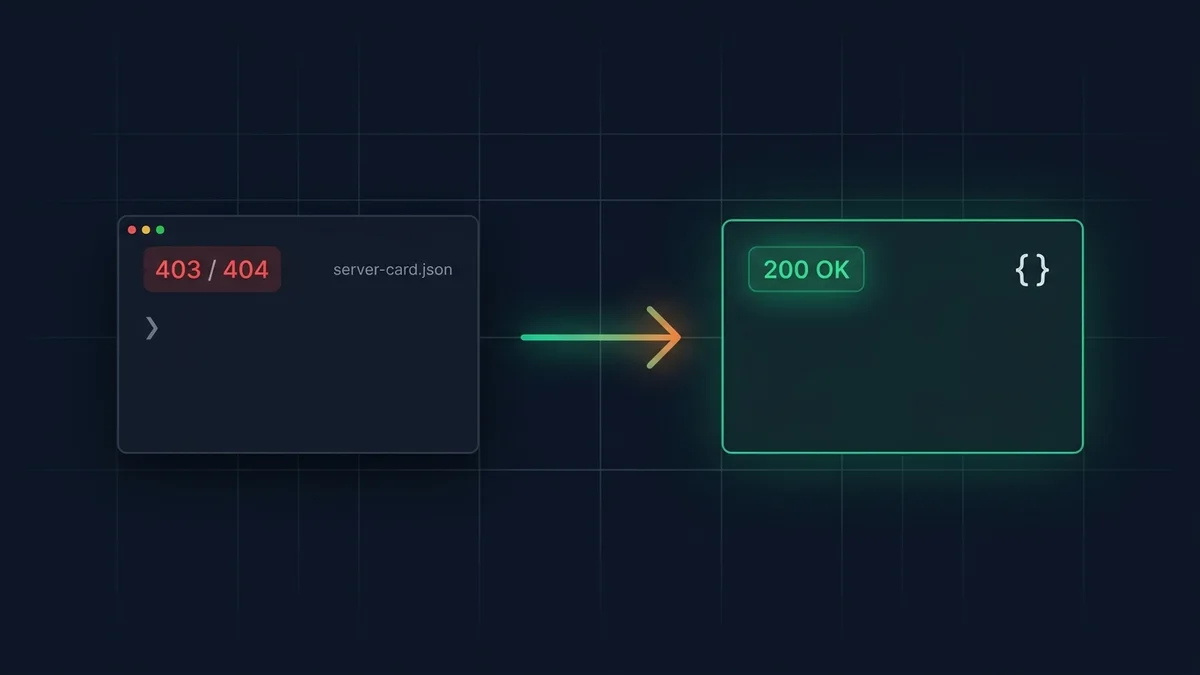
- Check #01 (SEP-1649 MCP Server Card): Follow our tutorial to fix /.well-known/mcp/server-card.json 404 and 403 errors in WordPress.
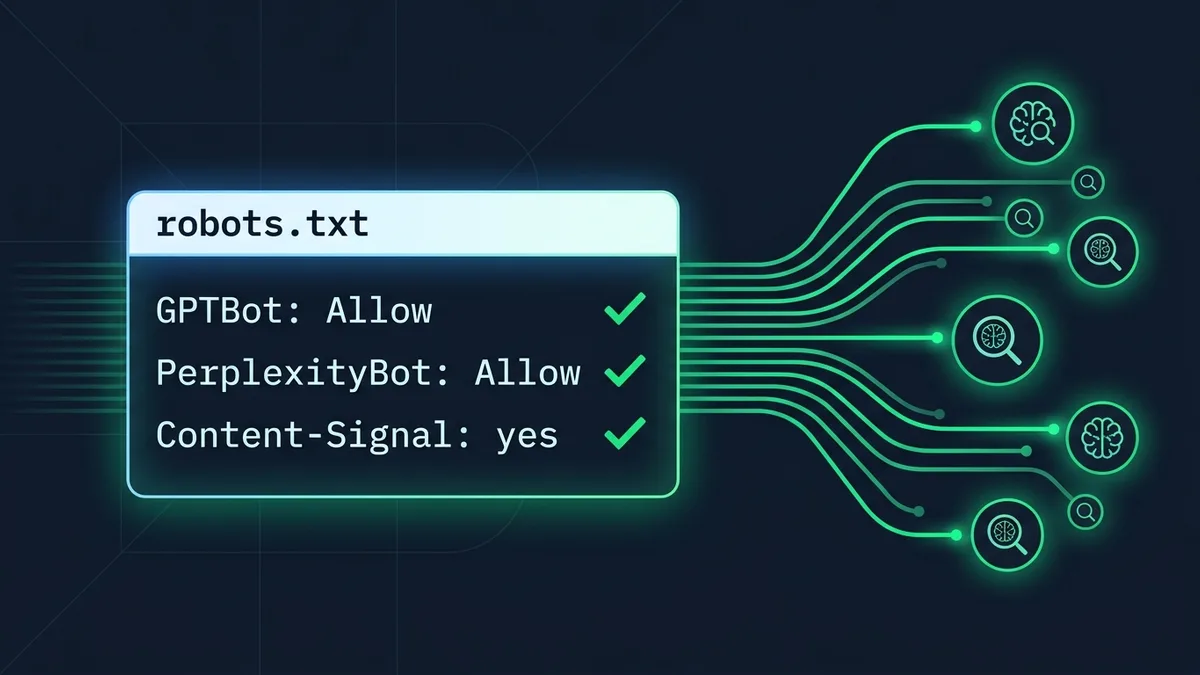
- Check #04 (AI Crawler Policy): Follow our guide to configure robots.txt Content-Signal and GPTBot rules in WordPress without triggering Rank Math validation errors.
Test Your Live Site Now or Book a 48-Hour Done-For-You Setup
Once your /llms.txt file is live, run your domain through our free AI readiness audit for small business website scanner to verify all five AI-agent checkpoints in 5 seconds, or generate your companion files in our free llms.txt & MCP server-card.json generator.
If you want all five checks (SEP-1649 server-card.json, /llms.txt, Accept: text/markdown negotiation, Content-Signal robots.txt, and connected Schema.org JSON-LD) deployed cleanly on your WordPress or custom PHP site, explore our Agentic SEO & AI-Agent Ready Website Development packages directly with Swapnil Patil:
- 5-Page Service Website + Full AI-Agent Readiness: $450 – $1,100 USD (5 to 7 business days).
- Full Small Business Build + WebMCP & SEP-1649 Setup: $1,200 – $2,500 USD (2 to 3 weeks).
- Monthly Care, Security, Backups & GEO Monitoring: $120 – $250 / mo.