Last updated: 18 April 2026
By Swapnil Patil, remote WordPress developer
When small business owners search for website update services, they are usually dealing with one of two headaches: either their current web designer takes ten days to change a single phone number and price table, or a routine plugin update just broke their contact form during peak business hours. Over the past 8+ years of building and maintaining more than 250 WordPress, WooCommerce, and Shopify websites across the USA, UK, UAE, and India, I have seen how neglected updates quietly drain phone calls and organic rankings. In this guide, I break down what professional website updating services actually include, how much you should pay for one-time edits versus monthly care, and the exact 4-step staging workflow I run so your live website never goes offline.
Direct AEO Answer: What Are Website Update Services and What Do They Cost?
Website update services cover two essential jobs for an existing business website: visible content edits (updating text, pricing tables, service sections, photos, PDFs, and landing pages) and behind-the-scenes technical maintenance (testing WordPress core, plugin, theme, and PHP updates on a private staging server, compressing images for mobile speed, and backing up databases). Working directly with a senior developer, ongoing monthly website update and care plans start at $120/month with 24-to-48-hour turnaround, while standalone landing page builds start at $200 and full website rebuilds start at $500.
Problem 1: Why DIY 1-Click Updates and Slow Agency Queues Cost You Leads
Most business owners start out trying to handle website updates themselves on Friday afternoons, or they sign a pricey retainer with a multi-person agency. Both routes create predictable operational bottlenecks:
- The DIY “Update All” Crash: Clicking update inside your live WordPress dashboard without testing PHP compatibility first is the number one cause of the White Screen of Death, broken WooCommerce Stripe checkouts, and silent contact form failures. If you have ever experienced this, see our emergency guide on what to do when a plugin update broke your WordPress site.
- Outdated Pricing, Staff, and Service Pages: When uploading a new brochure, swapping seasonal offer banners, or adding a new service location feels complicated, business owners put it off for months. Visitors land on pages showing old prices or discontinued packages and call your competitor instead.
- The 2-Week Agency Ticket Queue: Large agencies assign routine website update services to junior support queues. You pay $500 to $1,200 a month on retainer, submit a support ticket to update a headline or add a FAQ block, and wait five to ten business days for an account manager to reply.
- Silent Speed & SEO Decay: Every time an uncompressed 4MB photo or a heavy tracking script gets pasted into a page without cleanup, your mobile Google Core Web Vitals score drops, pushing your pages down in Google Search and Google Discover.
What Professional Website Update Services Actually Include (4 Core Pillars)
A complete website update service is not just clicking a button in /wp-admin once a month, and it is not just typing new paragraphs into a blog post. When I manage updates for a business website, the work is divided into four practical pillars:
1. Content, Visual, Pricing, and Layout Updates
Your website should move as fast as your sales team. Whenever you launch a new service, revise your pricing, win a project, or run a seasonal promotion, your live pages need to reflect that immediately:
- Updating service descriptions, pricing tables, staff bios, client logos, and case study galleries.
- Uploading downloadable PDF catalogs, technical spec sheets, restaurant menus, or compliance documents.
- Building new promotional sections, FAQ accordions, or high-converting campaign landing pages ($200) without breaking mobile spacing.
- Fixing broken desktop or mobile CSS layouts, sticky headers, WhatsApp chat buttons, and modal popups.
2. Staged Technical Core, Plugin, Theme, and PHP 8.2+ Updates
Behind your visible pages, WordPress core software, WooCommerce extensions, form builders, and server PHP versions release regular patches. As detailed in our senior developer WordPress plugin update service breakdown, every code update must be applied on a private staging clone first so we can verify database migrations and check PHP error logs before touching your live domain.
3. Speed Optimization, On-Page SEO, and AI Search (AEO / GEO) Freshness
Every content edit is also an SEO task. Whenever I add a new section or photo to a client site, I ensure the update strengthens search visibility rather than slowing the site down:
- Converting uploaded JPEG and PNG photos into lightweight
.webpformat with explicitwidth,height, and descriptivealtattributes so Cumulative Layout Shift (CLS) stays at zero. - Updating Schema.org JSON-LD structured data (
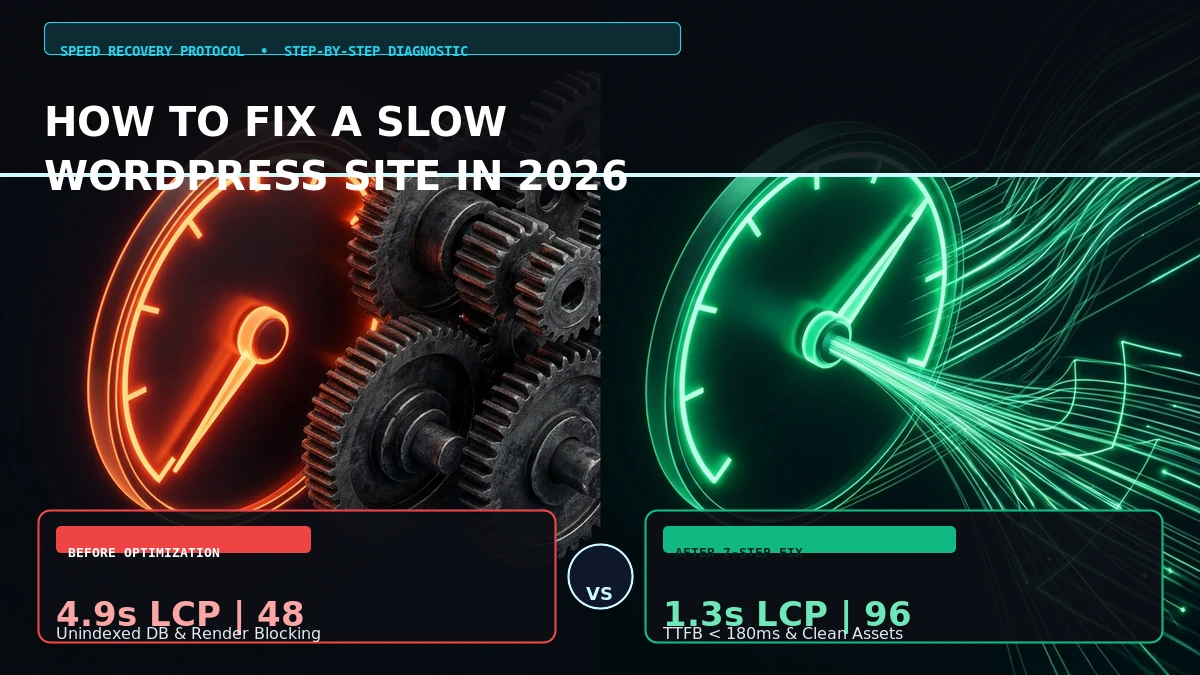
Service,FAQPage,Article, anddateModifiedtimestamps) and root/llms.txtfiles so AI engines like ChatGPT Search, Perplexity, and Google AI Overviews cite your newest pricing and facts. - Auditing and fixing slow database queries, render-blocking scripts, and TTFB bottlenecks using the same workflow from our guide on how to fix a slow WordPress website.
4. Security Hardening, Offsite Cloud Backups, and Form Monitoring
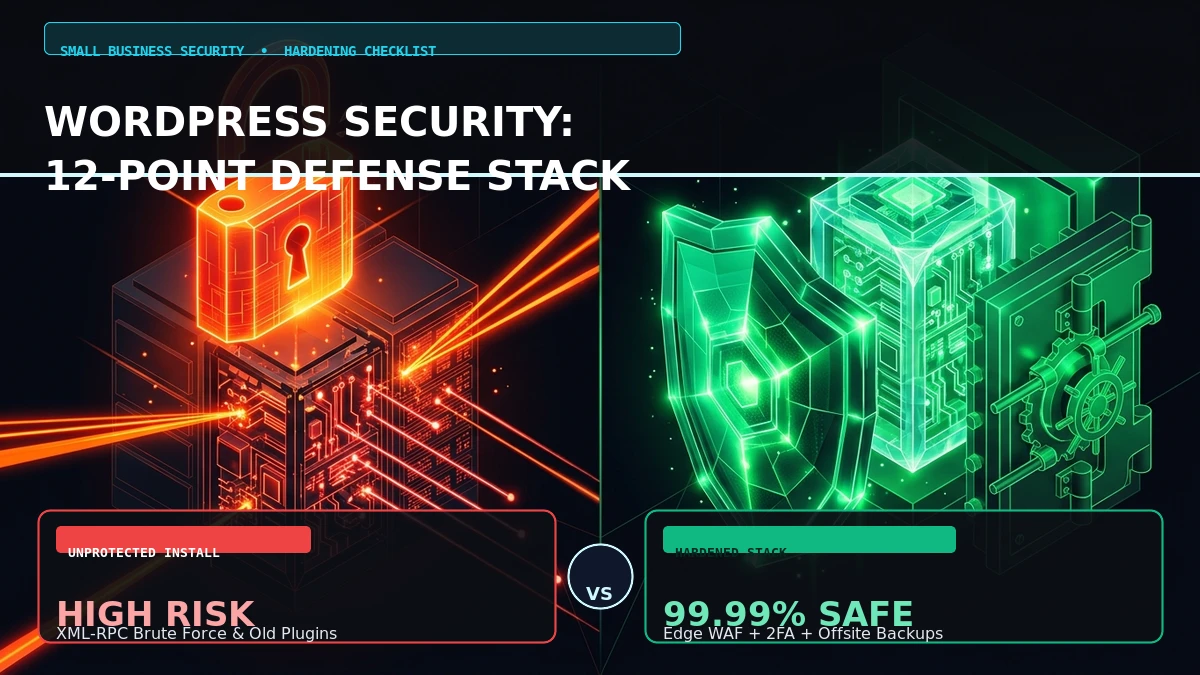
According to OWASP web security standards, vulnerable and outdated software components remain a primary attack vector for business websites. Ongoing website update services pair weekly patches with daily encrypted offsite cloud backups, 24/7 uptime monitoring, firewall rules, and live SMTP / webhook checks (following our 10-point small business WordPress security checklist).
My 4-Step Safe Staging Update Protocol (Zero Live Downtime)
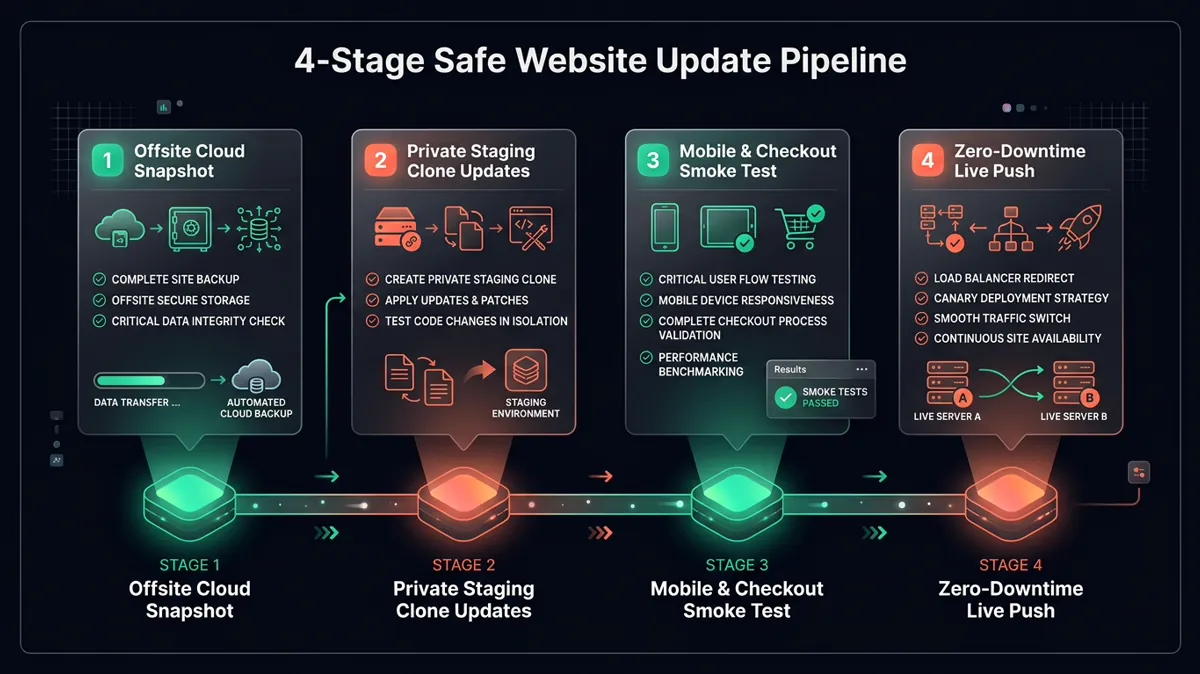
Whether I am updating twenty WooCommerce plugins or redesigning a pricing table on your homepage, I never edit production files blindly while customers are browsing your site. Every update follows a strict four-stage engineering pipeline:
- Stage 1: Offsite Cloud Snapshot (Files + Database): Before a single line of code or plugin version changes, I trigger a full encrypted snapshot of your WordPress files and MySQL database to an external cloud bucket. If an upstream plugin vendor ships a faulty release, we have an instant one-click restore point.
- Stage 2: Private Staging Clone Execution: I push your content changes, CSS tweaks, and plugin updates to a password-protected staging URL that mirrors your live hosting environment and PHP 8.2+ configuration.
- Stage 3: Mobile Viewport, Form & Checkout Smoke Testing: On the staging site, I test your pages on real mobile viewports, submit a test enquiry through your contact forms to confirm SMTP email delivery, and run a test cart flow if you use WooCommerce or Shopify.
- Stage 4: Zero-Downtime Live Push & Cache Purge: Once staging passes with zero PHP warnings or layout shifts, I deploy the verified changes to your live domain, purge server and Cloudflare caches, and verify your live PageSpeed metrics.
How Much Do Website Update Services Cost in 2026? (One-Time vs Monthly Plans)
Business owners often ask whether it is cheaper to pay per edit or sign up for a monthly website update plan. The right choice depends on how often your business updates its offers and how critical your website is to daily revenue.
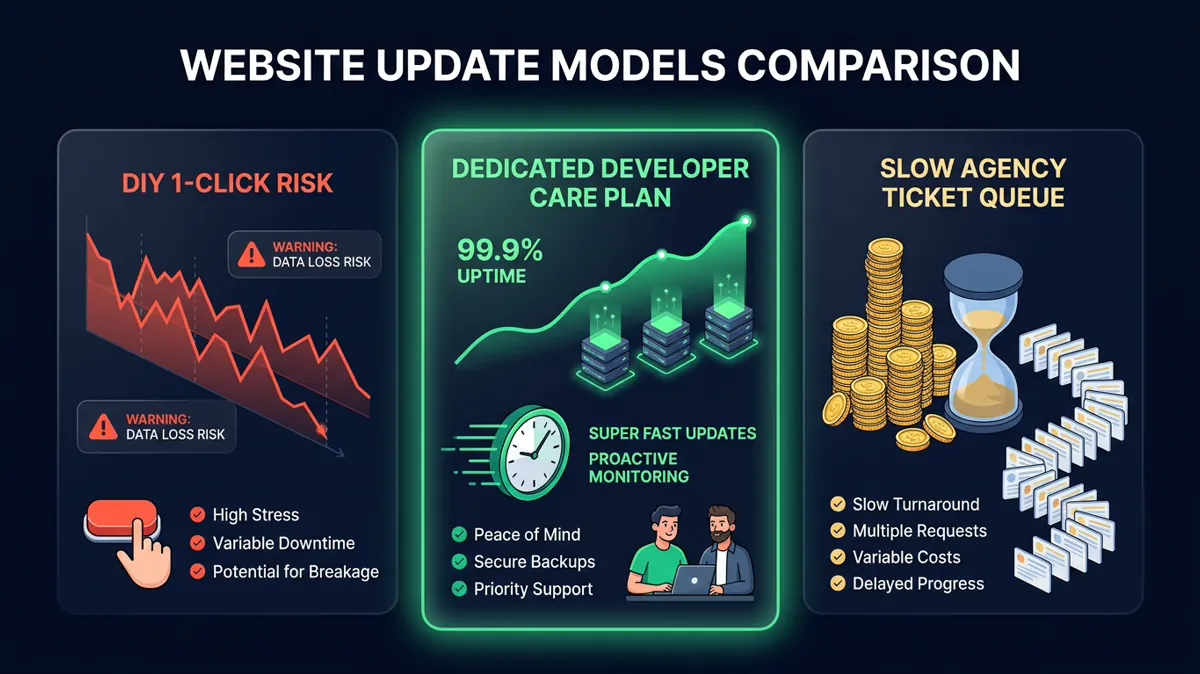
DIY Ad-Hoc Edits vs. Dedicated Developer Plan vs. Agency Retainer
DIY / Ad-Hoc Freelancer
- Who Performs Updates Unverified contractor or DIY
- Routine Content & Banner Edits Billed extra on every email
- Staged Plugin & Core Updates Live 1-click crash risk
- Daily Offsite Cloud Backups Not included
- Typical Edit Turnaround 3 to 7 days (when available)
Swap Design Monthly Care
- Who Performs Updates Swapnil Patil directly (8+ yrs exp)
- Routine Content & Banner Edits Included (Text, images, PDFs, prices)
- Staged Plugin & Core Updates Weekly private staging verified
- Daily Offsite Cloud Backups Included (30-day cloud retention)
- Typical Edit Turnaround Same-day to 24–48 business hrs
Traditional Agency Retainer
- Who Performs Updates Junior desk via account manager
- Routine Content & Banner Edits Capped hours + overage fees
- Staged Plugin & Core Updates Included (often automated scripts)
- Daily Offsite Cloud Backups Included
- Typical Edit Turnaround 5 to 10 business days (ticket queue)
When Should You Choose Website Updates vs a Full Website Redesign?
I always give clients an honest engineering assessment before taking on a site. Sometimes a website only needs clean monthly website maintenance and updates ($120/month). Other times, the underlying theme is so outdated or bloated with forty conflicting plugins that patching it every month wastes your money.
Before spending money on piecemeal edits, review our website redesign checklist on what to keep and what to cut and our transparent small business WordPress website cost guide. Here is the simple rule I use with clients:
Recommended: Monthly Website Update & Care Plan
Best when your existing WordPress or WooCommerce site loads cleanly on mobile phones and simply needs ongoing text/photo edits, new service sections, weekly staged plugin updates, and daily cloud backups.
Recommended: Dedicated Conversion Landing Page
Best when you are launching a targeted Google Ads, Meta Ads, or seasonal promotion and need a fast, distraction-free mobile landing page with direct WhatsApp and lead form routing.
Recommended: Complete Custom WordPress Website Build
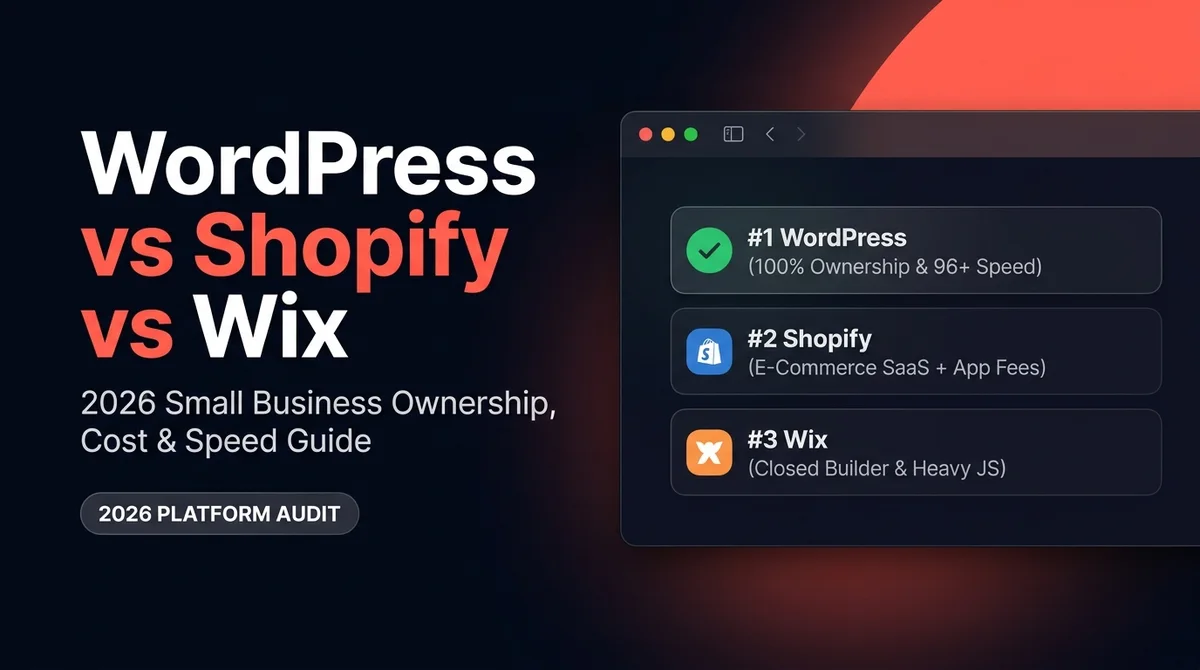
Best when your current website runs on a heavy 2018–2021 theme, fails mobile Google PageSpeed (<50 score), or is locked inside Wix or Squarespace where monthly patch updates cannot fix the core code.
How I Handle Website Updates Across USA, UK, UAE, and India Timezones
When you hire a remote developer for website update services, timezone alignment matters just as much as technical skill. Because I work directly with business owners across four core regions, my update schedule is structured around your local trading hours:
- United States (USA WordPress Maintenance & US Support Guide): Staging tests and heavy database updates run overnight during US hours so your live traffic is never interrupted during EST, CST, or PST workdays. Morning overlap hours give you direct WhatsApp and Zoom access.
- United Kingdom (UK Maintenance Packages & UK Cost Guide): Full GMT/BST business-hour overlap for same-day content edits, UK-GDPR cookie compliance checks, and WooCommerce checkout monitoring.
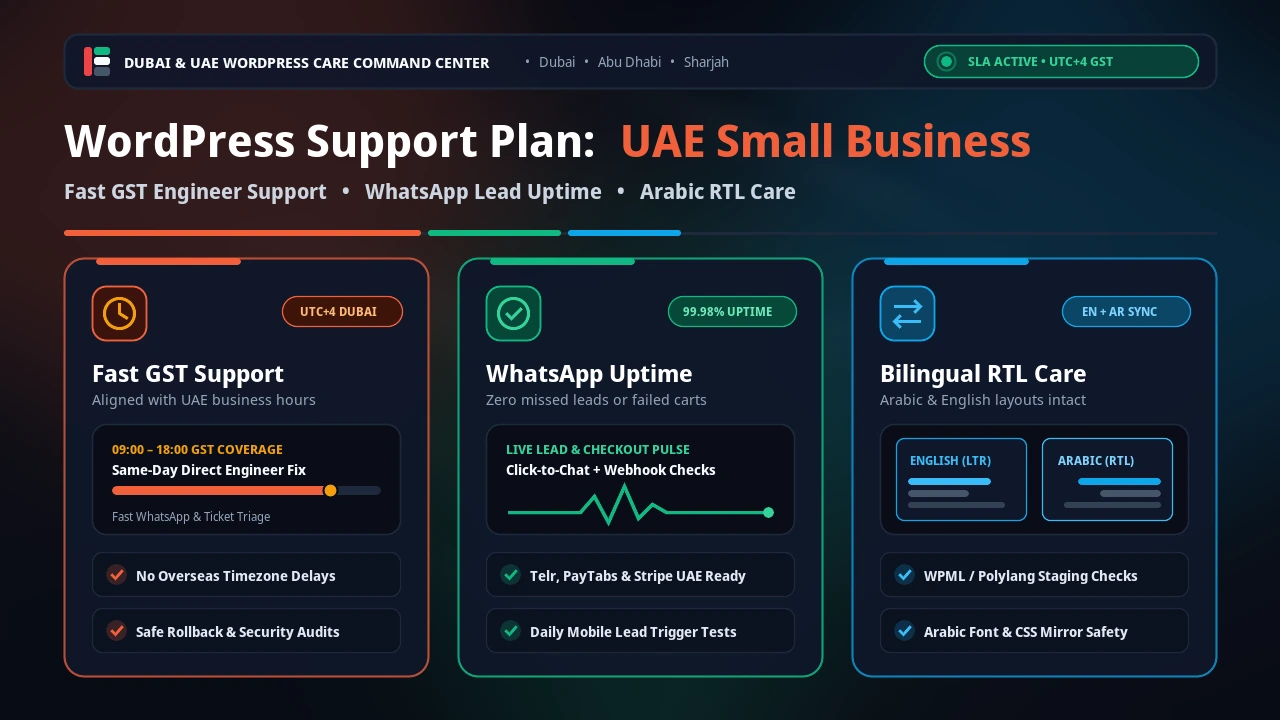
- United Arab Emirates (UAE WordPress Maintenance & UAE Support Guide): Near-identical GST timezone alignment for Dubai, Abu Dhabi, and Sharjah companies. For industrial and B2B clients like ATR Drill Dubai, we keep product spec sheets, RFQ forms, and WhatsApp lead triggers updated in real time.
- B2B & Publishing Pipelines (IntentFlow Media & TechHub Insight): For content-heavy B2B brands and manufacturers like Rabbit Industries and Sunveera Solar, we handle continuous landing page rollouts, catalog additions, and structured schema updates without slowing down mobile load times.
5-Minute Checklist: How to Send Website Updates for Same-Day Turnaround
With Swap Design, you never have to log into a complicated project management portal to request an edit. When clients message me on WhatsApp or email with a change request, sending these four details allows me to complete most updates the very same day:
- The Exact Page URL: Copy and paste the link to the exact page or product you want updated (for example,
https://yourdomain.com/services). - What to Replace (Before → After): Quote the current heading, price, or paragraph on the page and paste the exact new text right below it.
- Original High-Resolution Assets: Attach any new photos, team headshots, logos, or PDF brochures directly. I automatically resize, compress to WebP, and add SEO alt tags before uploading.
- Target Go-Live Date: Let me know if the update should go live immediately after staging verification or hold until a specific campaign launch morning.
Ready to Hand Off Your Website Updates to a Senior Developer?
You did not start your business to spend evenings debugging broken WordPress plugins, resizing WebP images, or waiting two weeks for an agency to update a price list. Whether you want an ongoing website maintenance and update plan starting at $120/month, a high-converting campaign landing page for $200, or a complete custom WordPress website starting at $500, you work directly with me (Swapnil Patil). All projects and monthly plans are billed in USD ($) via Wire Transfer or PayPal. Send me your website URL and update list here, and I will reply within 1–2 hours with a clear plan and fixed quote.